🖥️Screen, window, or area
Record the whole display, one app window, or a drag-selected region.
macOS 14+, Apple silicon · Notarized · Free
Record a demo of your app — talk it through, put yourself in the corner. Capta cuts the dead air, zooms in on what matters, captions your voice, and syncs every cut to your music. A finished product video, no timeline.
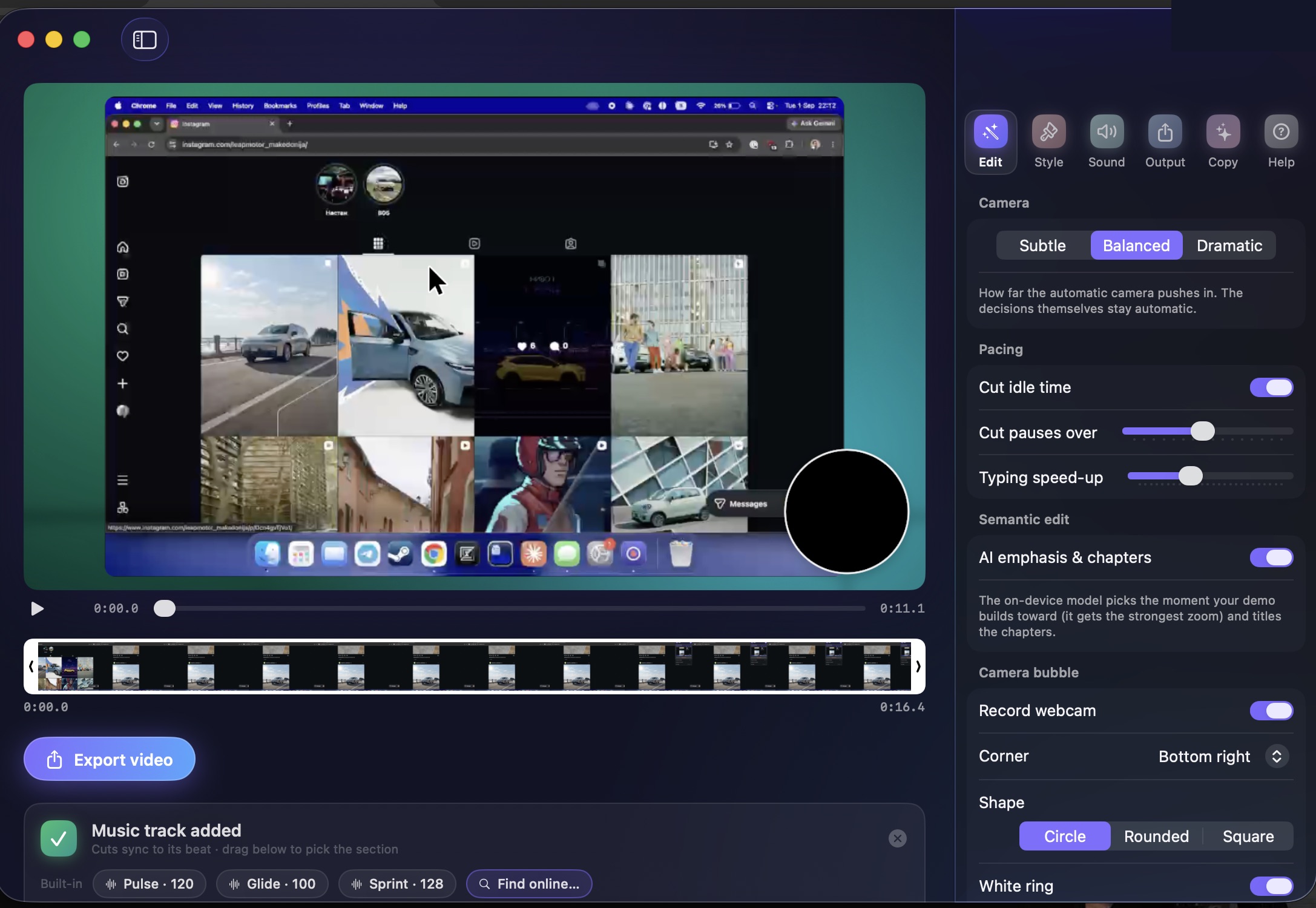
While you record, Capta watches your clicks, typing, and scrolling. Then it edits like a person who charges by the hour.
Capta reads the UI element under every click and frames it with spring-damped camera moves — and when an app won't say what you clicked, Vision finds the dialog in the pixels and frames it whole. Restrained by design: the camera glides.
Capta cuts your dead air and fast-forwards typing and loading with eased speed ramps. It turns a minute of fumbling into thirty tight seconds.
Drop in any track. Capta detects its tempo on-device and lands every cut on the beat, adding click sounds, whooshes, and music ducking.
Capta now uses the Apple Intelligence models built into your Mac — so the smartest parts of the edit still happen without a single byte leaving your machine.
Turn on the mic and just talk. Capta transcribes you on-device, burns in captions, keeps cuts and speed-ups away from your sentences, and ducks the music under your voice.
The on-device model reads what you actually did, gives the payoff click the strongest zoom, and titles the chapters of your demo. One toggle, fully optional.
One click writes the video's title, caption, and a social post from what happens on screen. What you type is never read — only what you clicked.
Record the whole display, one app window, or a drag-selected region.
Every setting applies instantly to a real-time preview. Export is the only render.
Gradients, radial glows, mesh wallpapers, and solids, or drop in any image behind your recording.
Capta smooths and scales your cursor, adds click ripples and a pointer hand, and hides it when idle.
Show pressed keys and shortcuts as chips that type out live. Off by default.
Trim on a strip of real frame thumbnails, like the iPhone. Toggle any auto-zoom on or off.
16:9, vertical 9:16, or square, framed fit-on-background or crop-to-fill.
Capture, restyle with one-click presets, then annotate: arrows, highlights, blur-outs, numbered steps, spotlights.
Up to 4K 60fps MP4, optimized GIF, or straight to the clipboard.
⌥⌘R records from anywhere. ⌥⌘5 opens the capture panel. Menu-bar quick actions.
Capta indexes every recording. Search "capta" system-wide and jump straight to it.
A manual Check for Updates fetches one version file — the app never phones home on its own.
Record your webcam alongside the screen — a floating circle, rounded card, or square in any corner.
Three built-in beat-locked tracks, free Creative-Commons search with preview, and a drag handle to pick the song section.
Recording, analysis, beat detection, and rendering run on your Mac. Your footage stays there.
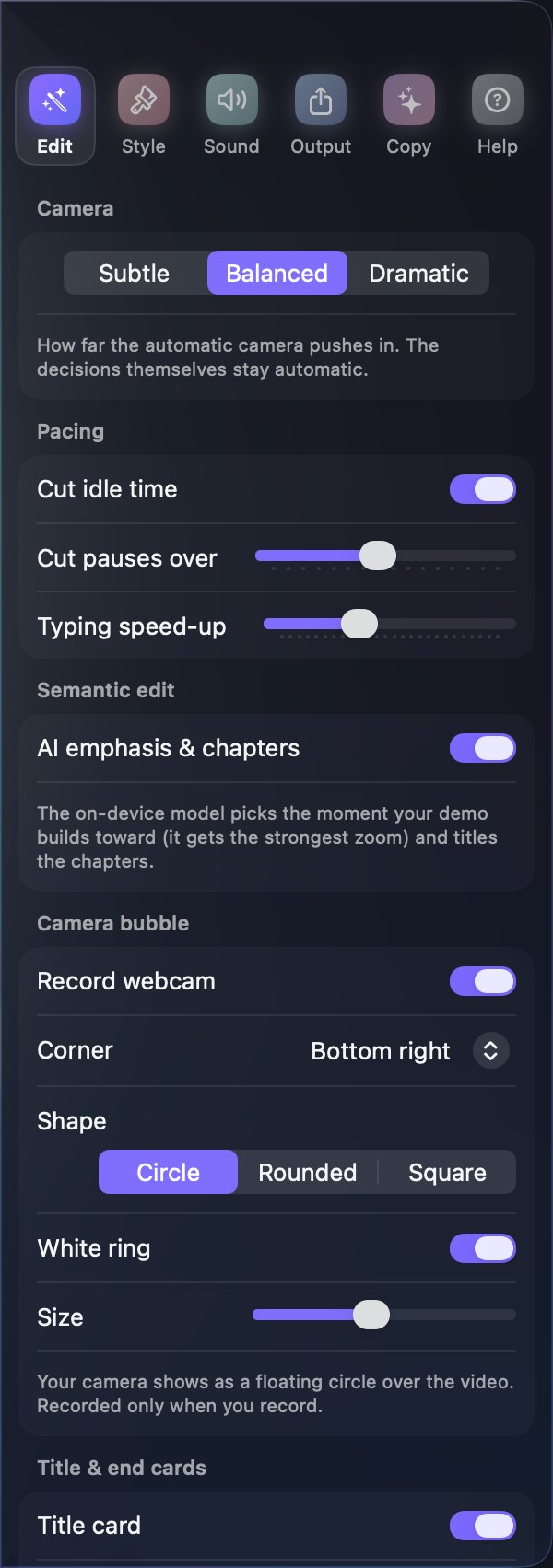
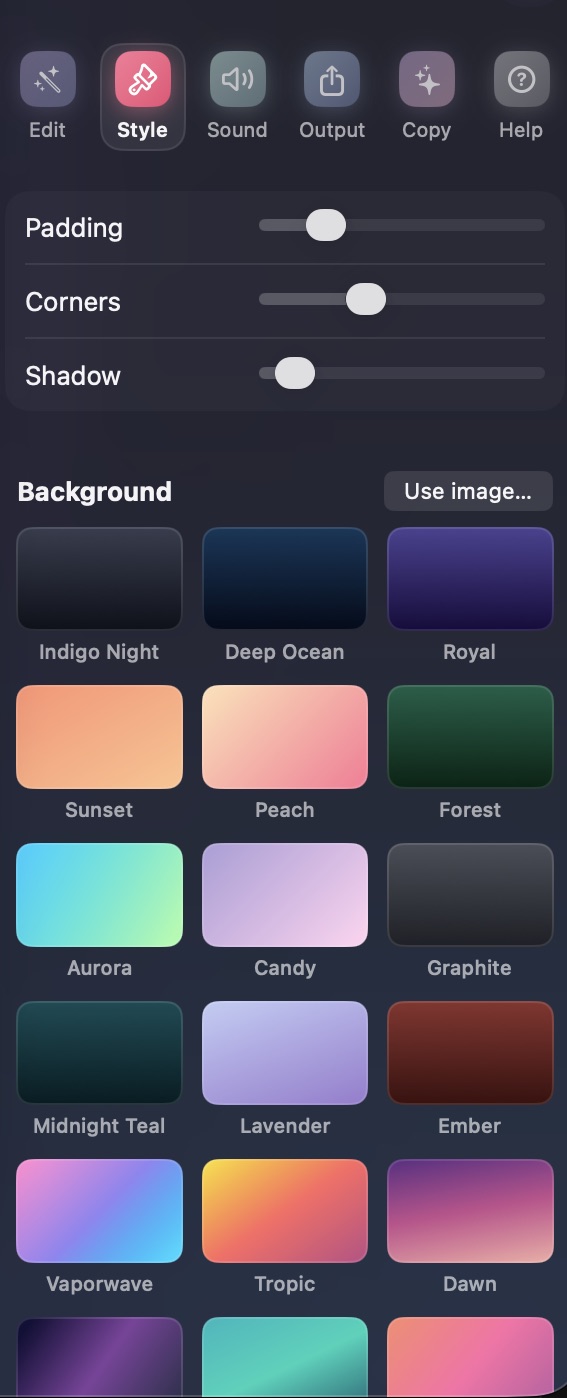
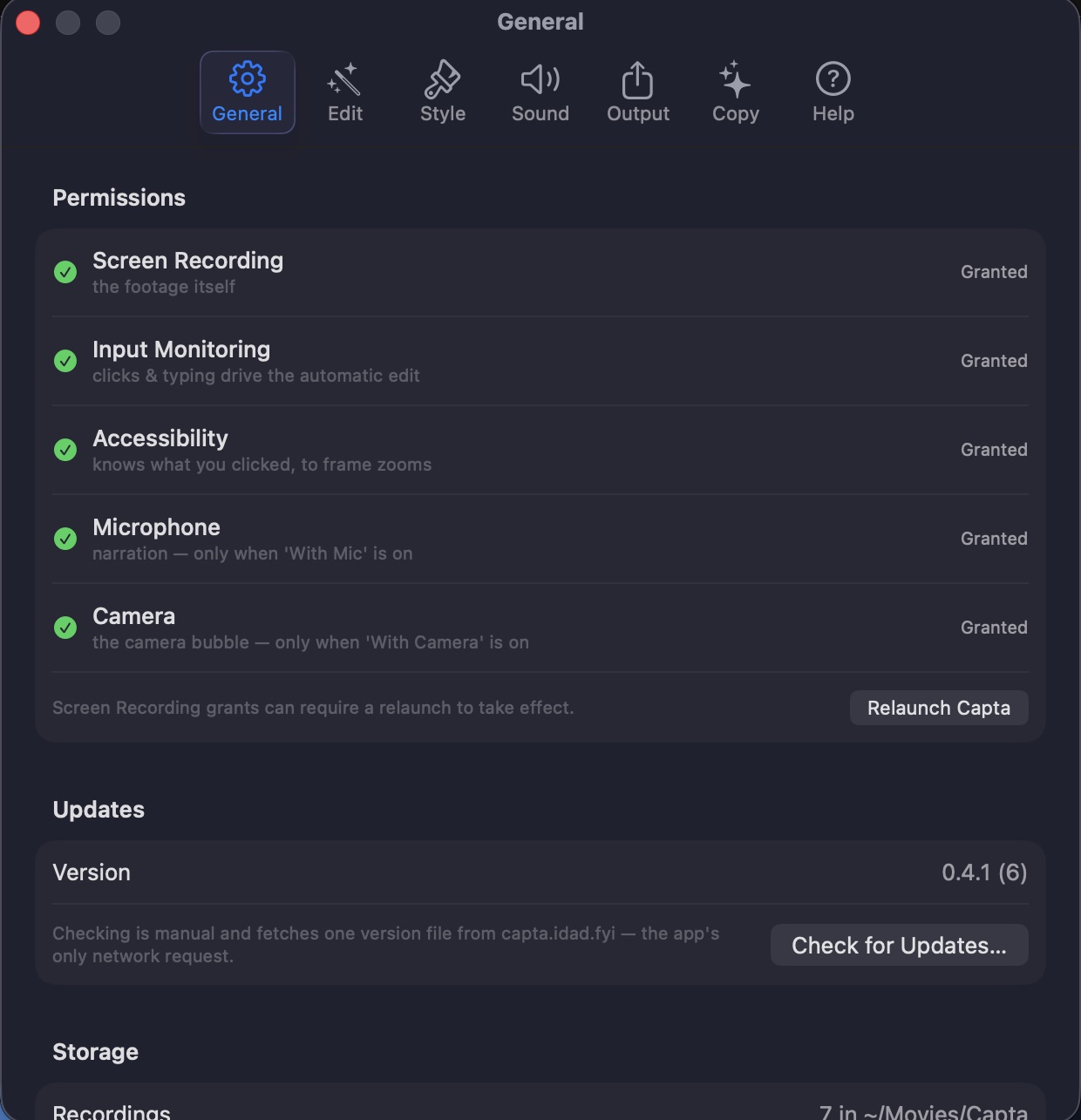


Hit ⌥⌘R and demo your product like you'd show a friend. Flip on Mic or Camera in the capture panel to narrate or appear in a corner bubble. Skip the performance: Capta cuts the pauses and fumbles anyway.
Capta has already placed the zooms, tightened the pacing, and synced the music. Tweak the style live if you feel like it.
One click bakes the final video as 4K MP4, GIF, or straight to your clipboard, ready for your landing page or the App Store.
Element detection, beat analysis, speech transcription, the Apple Intelligence features, the editing engine, and the renderer run on your machine. Capta ships with no account system, no uploads, and no telemetry. Read the privacy policy.